
PATROL REPORT
Create a Patrol Report to analyse your patrol coverage and performance quickly and easily.
-
![]()
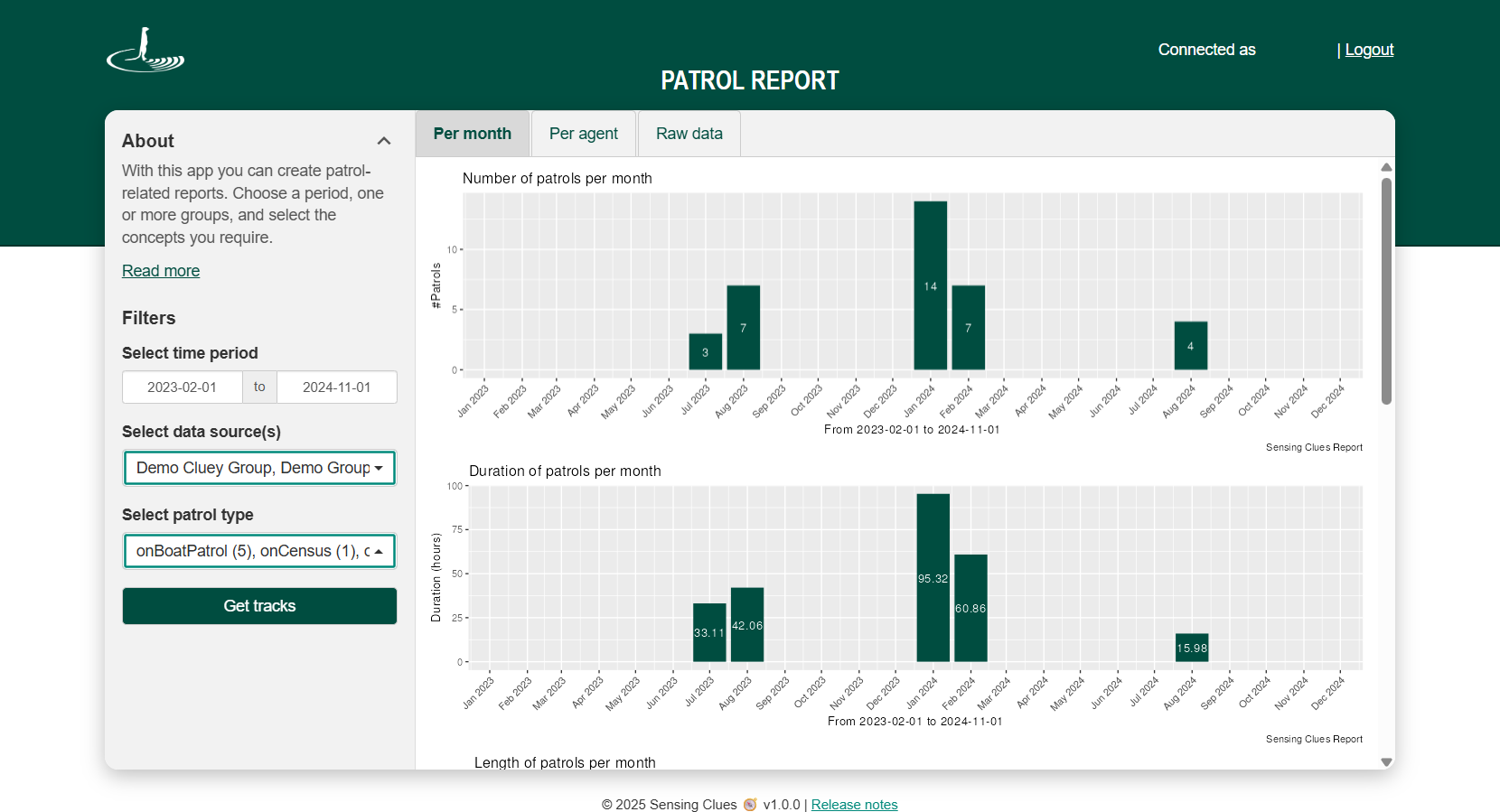
Reporting per Month
-
![]()
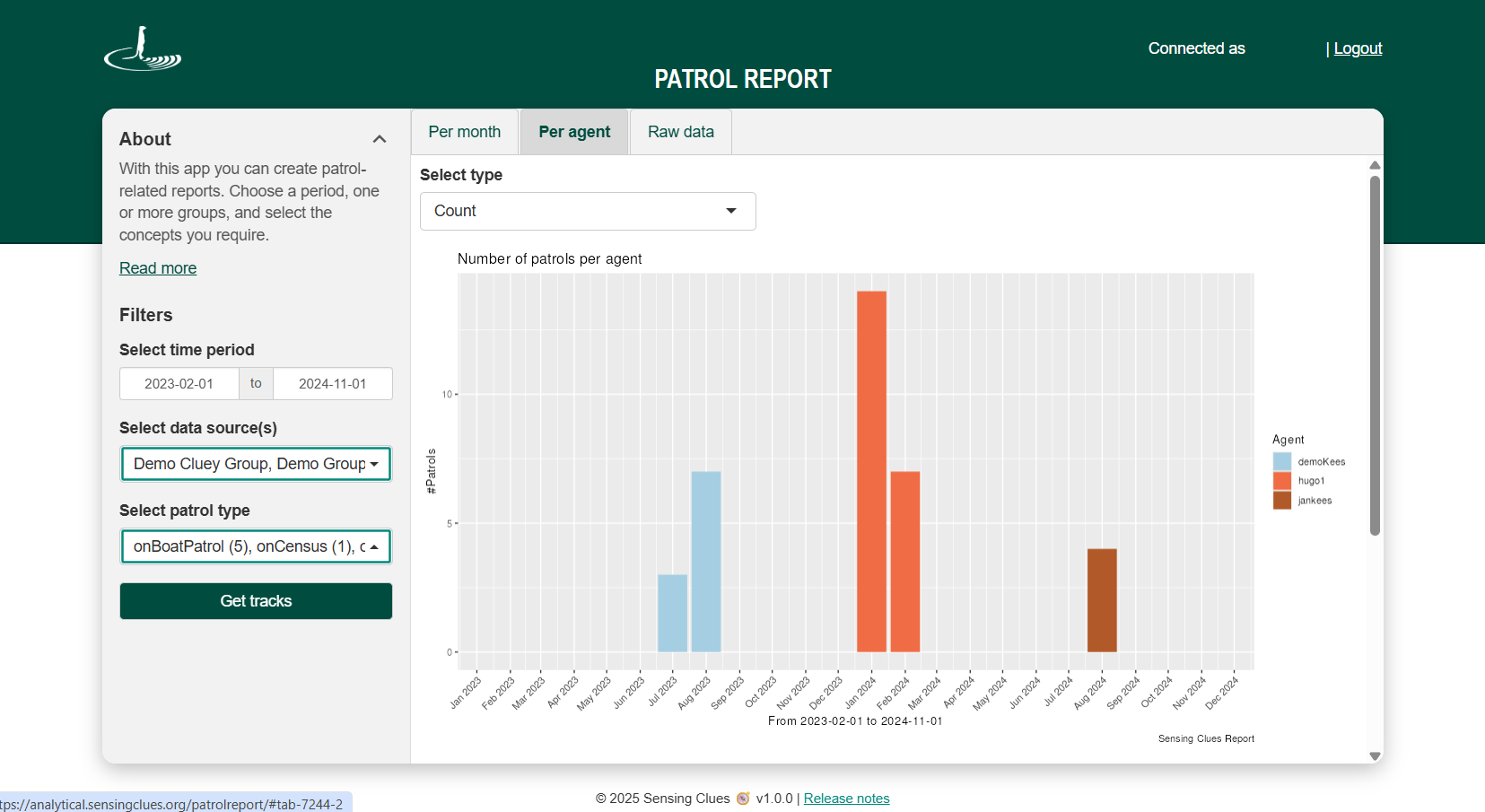
Reporting per Agent
-
![]()
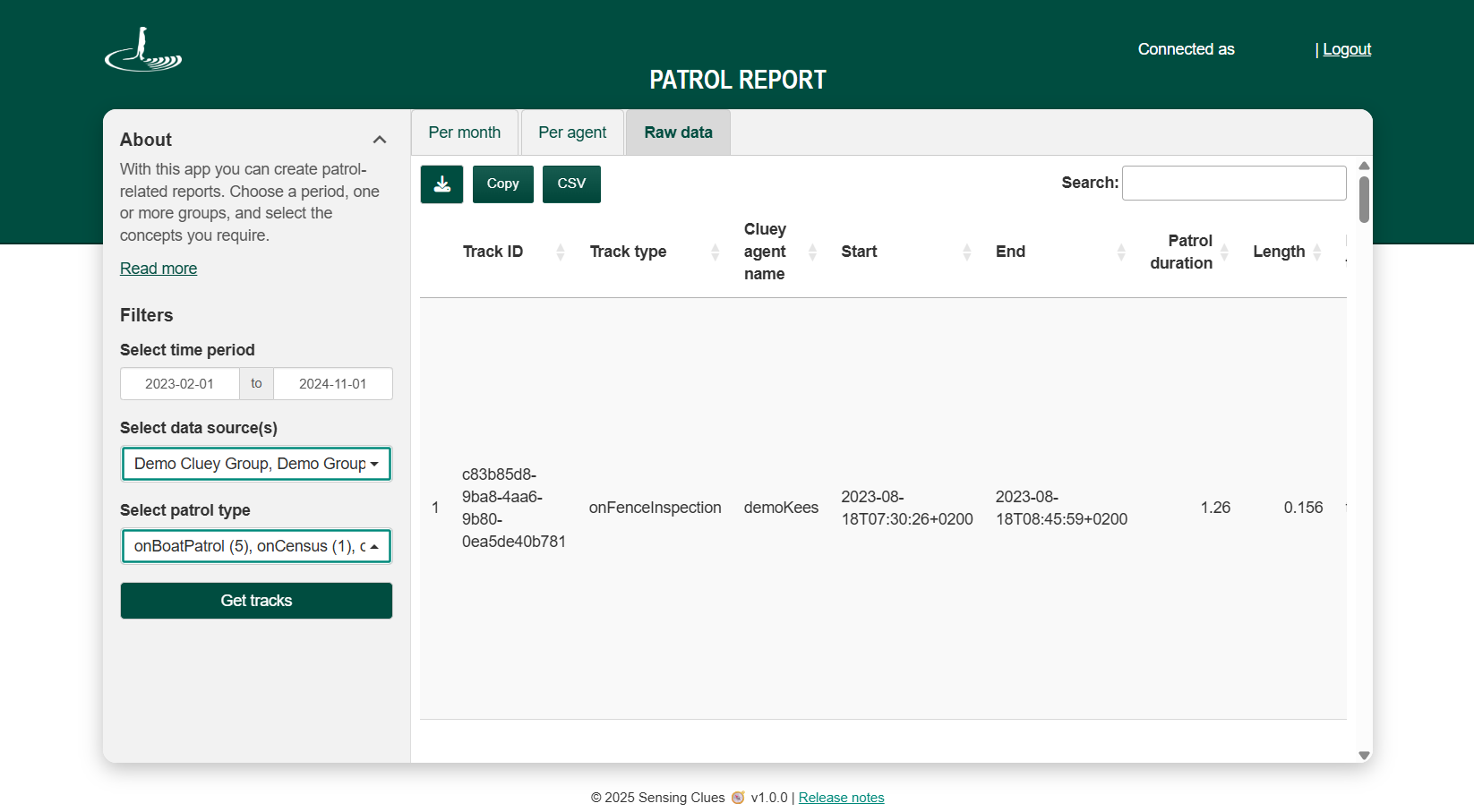
Raw Data
Key Features
View the number of patrols per patrol type.
See start and end times, duration, length, and number of days of your patrols.
Generate reports per agent or per month.
Create reports by data source (e.g. Cluey groups or uploaded data) or across multiple data sources.
Select any desired time period.
Download all tracks as GeoJSON.
How it works
Log in with your Cluey credentials.
Select your time period.
Choose the data source(s) you wish to include.
Choose the patrol type(s) you wish to include.
Click “Get tracks” to generate your report.
Tips & Tricks for the Raw Data Tab
The Raw Data tab displays information directly from the backend, exactly as it is stored. Hover over any column heading to see more details. You can also use Entity IDs to search and view the corresponding track in the Focus 360 application.
To view all columns, scroll horizontally at the bottom of the table, or download the full dataset for complete access. We’re currently working on a more user-friendly scrolling solution to make this easier.